Supplier Bank Details Changed by Email? Verify Before You Pay
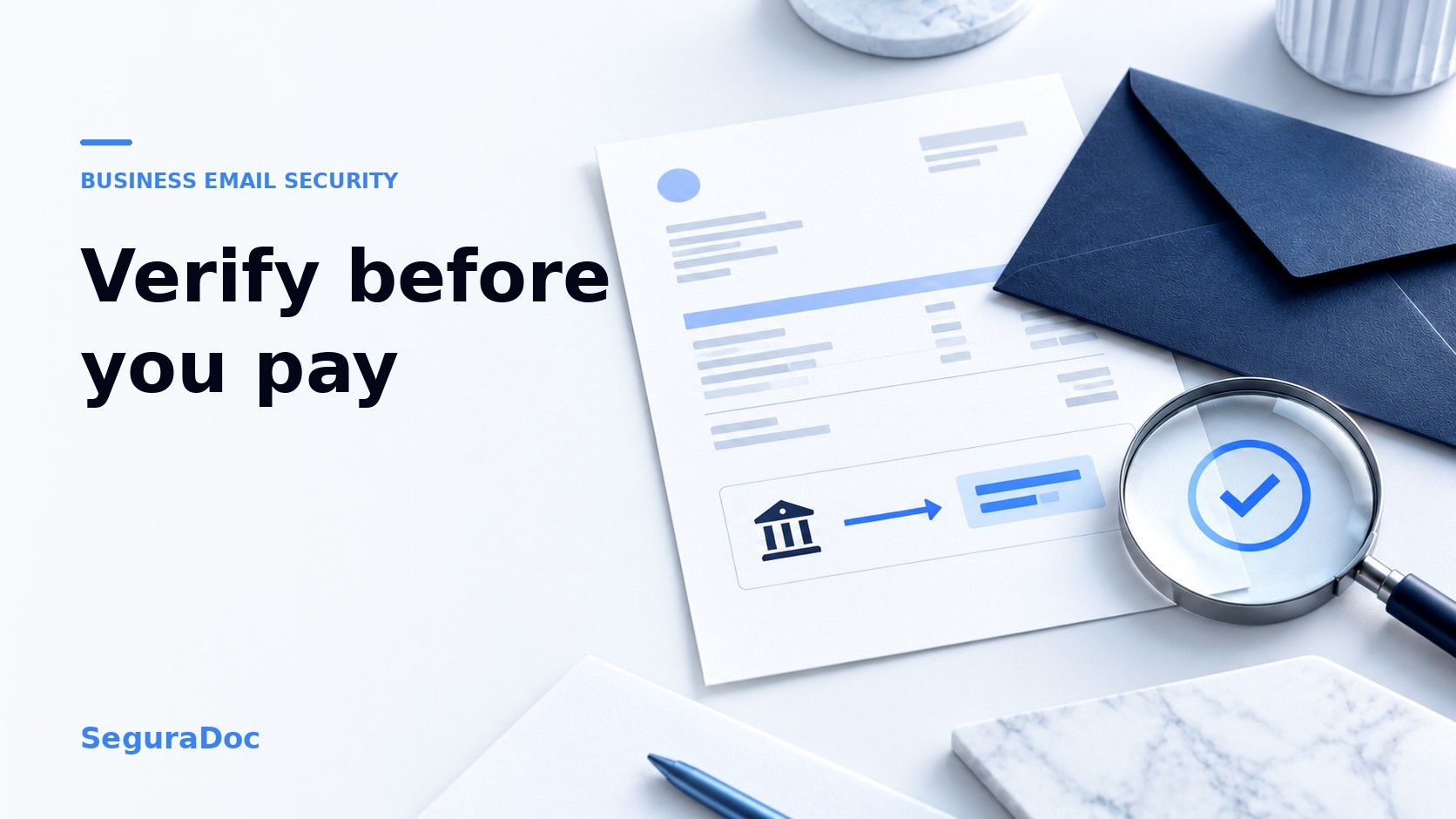
A supplier emails to say their bank details have changed. The invoice looks familiar, the message may sit in an existing thread, and the payment is due today. Pause before updating the payee or sending money. Call the supplier using a number you already trust, confirm the new beneficiary details with an authorized contact, and record the verification. Do not use the phone number or link in the change request.
Why a familiar invoice email is not enough
A payment-redirection request can come from a lookalike address or from a genuine mailbox an attacker has compromised. It may refer to a real invoice and use the supplier's usual tone. The US Secret Service's business email compromise guidance describes impersonation in ongoing conversations and advises calling known contacts before sending money. A familiar sender name, thread or PDF therefore does not verify who controls the requested bank account.
A rebuilt or sanitized PDF can reduce risks from the file itself, but it cannot prove that the payment instructions printed in that PDF are genuine. Treat document safety and payee verification as separate checks. If you need to handle an unfamiliar attachment, read how to assess a PDF received by email.
What to do when a supplier asks to change bank details
1. Put the payment and payee update on hold
Keep the original email and invoice. Do not replace the saved account number just because the request appears urgent or arrives before a due date. Tell the person responsible for payments that verification is pending.
2. Find a contact route that predates the request
Use a phone number in your approved supplier record, signed contract or another independently verified source. Do not call a number in the email, invoice, attachment or signature. A reply to the same email thread is not an independent check if that mailbox is compromised. Barclays' guidance on payment changes recommends an outbound call to contact details already held on file rather than relying on an inbound call.
3. Ask the right person to state the details
Speak to someone authorized to change the supplier's payment instructions. Ask them to state the beneficiary name and new bank details so you can compare them with the request; do not just read the proposed number aloud and ask for a yes. If you cannot reach an authorized contact through a trusted route, leave the payment on hold. If your bank offers a payee-name check, use it as an additional check, not a substitute for confirming that the supplier actually requested the change.
4. Record the decision before paying
Record which trusted contact route you used, whom you spoke to, when you called, and what details they confirmed. Follow your usual approval process before changing the saved beneficiary or releasing payment. Make this a repeatable rule for new suppliers as well as changes to existing accounts.
What if you already paid the wrong account?
Contact your bank or payment provider immediately and say that the payment may have been redirected. Preserve the original email, invoice, bank instructions and verification notes. Contact the real supplier through a known channel, secure any affected mailbox, and report the incident to the relevant authority in your location. The US Secret Service advises notifying the bank promptly and preserving digital evidence.
Where an email-security layer fits
SeguraDoc adds a security layer to an existing compatible business inbox without changing your provider or address. For a supported PDF invoice it checks, SeguraDoc can warn when a bank account is not one it knows for that supplier. That warning is a prompt to call a trusted contact, not proof that a payment destination is genuine. If a file cannot be checked or there is no established supplier history, silence is not approval. Keep independent payment verification in your workflow.
If your team receives PDF invoices from familiar suppliers and wants an additional warning when their bank details change, create a SeguraDoc account, connect a compatible inbox and subscribe from your dashboard. Not sure whether your email service works? Ask us about compatibility before connecting.